POE Security Camera Review: What I Learned Before Buying
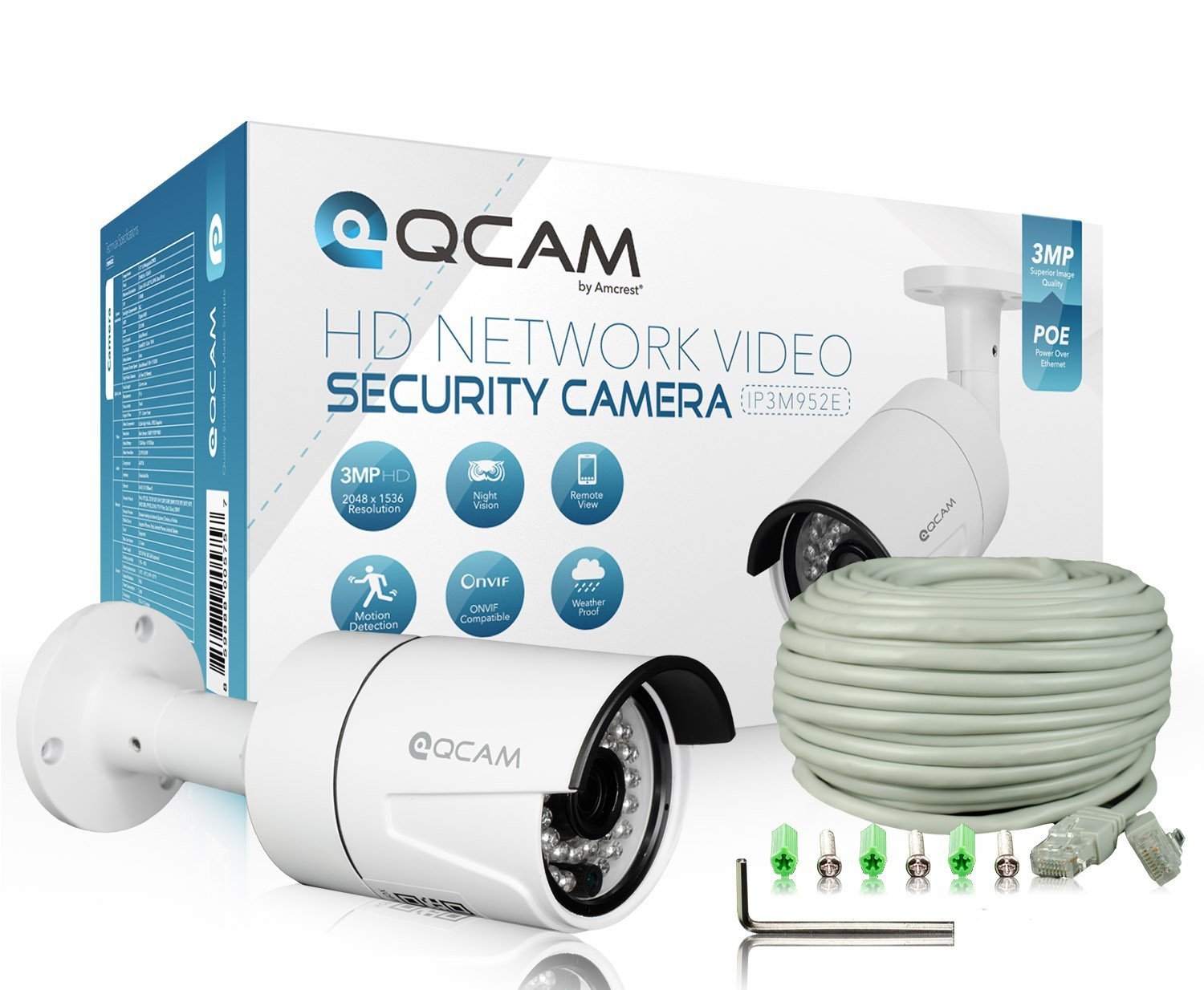
PRODUCT REVIEW – Amcrest Qcam 3-Megapixel (2048 x 1536) POE Weatherproof IP66 Bullet IP Camera with Super High Resolution 2048TVL @ 25fps, Night Vision up to 65ft, 70° Viewing Angle
When I started adding more cameras to my home security setup, I assumed that sticking with the same brand would make everything easier.
I already had a system in place, so I expected this POE security camera to plug right in and work seamlessly. That wasn’t exactly the case.
If you’re considering a POE camera for your home, here’s what I learned during setup and what to expect.
🔌 Setup & First Impressions
I initially thought this camera would work just like my other one — plug it into my existing system and be good to go. However, setup wasn’t as straightforward as expected.
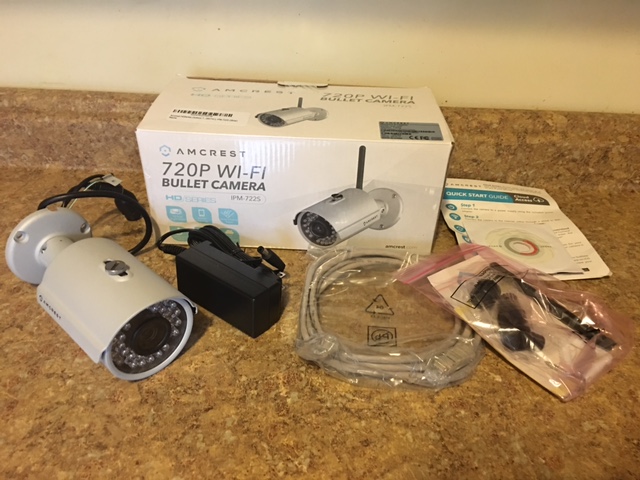
There’s very little documentation included, and while there is a disk provided, that’s not helpful if you’re using a newer computer without a CD drive. I had to go out of my way to access the setup information, which added extra steps.
📷 Performance & Video Quality
Once I got everything connected, the camera itself performed well. The video quality is clear, and overall it does what it’s supposed to do in terms of capturing footage.
However, even though the resolution is higher than another camera I own, I didn’t necessarily prefer the image quality more — which was surprising.
⚠️ Compatibility Issues
This is where things got a bit tricky.
Although the camera connected to my NVR and was recording, I wasn’t able to view the footage directly on the monitor. I could access the live feed through the app, but playback was limited depending on how I accessed it.
A lot of this seems to come down to system compatibility, especially if you’re using a Mac. Based on my experience, these systems tend to work more smoothly on a PC.
📱 App Experience
The app itself worked well for viewing the camera in real time, which made it usable day-to-day. However, not having full access to playback across devices made the overall experience less convenient than expected.
🔧 Design & Adjustability
One thing I didn’t love was the adjustability of the camera.
Compared to another bullet camera I own, this one has more limited movement. You can adjust it at the base, but it doesn’t have the same flexibility when positioning it exactly where you want.
✅ Final Thoughts
Overall, this POE security camera works well once it’s set up, and the video quality is solid.
However, there are a few things to keep in mind:
-
Setup may require extra steps
-
Limited documentation out of the box
-
Compatibility can vary depending on your system
-
Adjustability is somewhat limited
If you’re already using a compatible system and don’t mind a bit of setup, it can still be a good option for a home security setup.
Amcrest Qcam Outdoor Bullet Camera buy here on Amazon
Do You Need a Hard Drive for an NVR? My Honest Experience